A tpm lockout bypass can expose short Windows Hello and BitLocker PINs to guessing on some laptops, Technische Universität Berlin researchers said on 18 November. The technique requires someone to open the PC's case and was demonstrated on AMD-based and Intel systems.
The findings matter most to people whose laptops are lost or stolen, and to organisations that rely on a short PIN to protect a device left unattended. They do not describe a remote attack against an internet-connected PC. Instead, they challenge the assumption that a Trusted Platform Module, or TPM, will always stop repeated PIN attempts after an attacker gains physical control.
How the TPM lockout bypass works
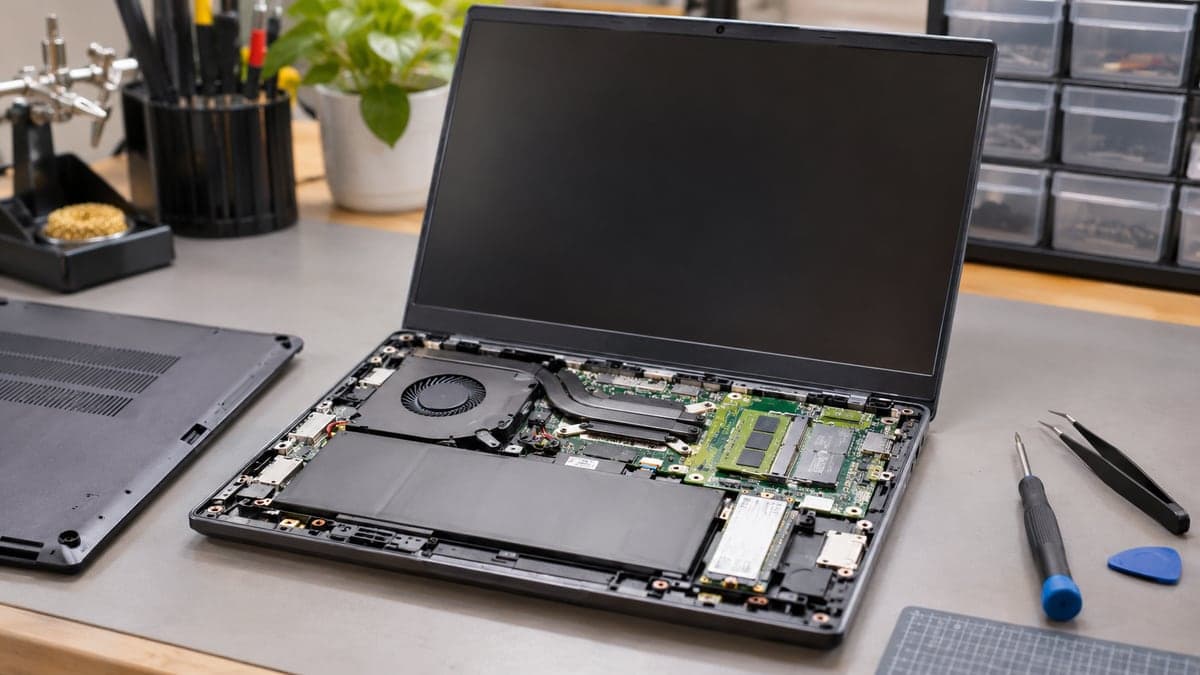
The Hacker News reported that researchers at Technische Universität Berlin found a way to reset TPM lockout protections by opening a computer's case. Lockout mechanisms are intended to restrict repeated guesses, increasing the time needed to recover a short PIN. Resetting that protection removes an important obstacle for an attacker who already possesses the machine.
The reported technique applies to AMD-based PCs and some Intel PCs. The available summary does not identify individual manufacturers, model numbers, firmware versions or a complete list of affected systems. It also does not say that every AMD or Intel laptop is vulnerable.
That distinction is important for assessing the tpm lockout bypass. A laptop's processor platform alone does not establish whether a particular device can be attacked successfully. Owners should avoid treating the research as confirmation that their specific model is affected without further technical details from the researchers or their device supplier.
What the laboratory tests found
In laboratory tests, the researchers recovered a four-digit Windows Hello PIN on an AMD laptop using the technique, according to The Hacker News. They also recovered a six-digit BitLocker PIN on an Intel laptop. The summary states that both PINs were set by the researchers, rather than taken from an unsuspecting user's computer.
Those tests demonstrate feasibility under laboratory conditions. They do not establish how often the method would succeed against laptops in homes, offices or public places. Nor do the available details establish that encrypted data has been accessed in a real theft using this approach.
The headline finding is therefore narrower than a claim that Windows device encryption has stopped working. The reported weakness concerns PIN guessing and lockout behaviour after physical access. The strength of the chosen PIN and any additional startup requirements remain central to the protection available to the owner.
Which PC platforms are affected
The research summary names AMD-based PCs and some Intel PCs as the affected platforms. It separately identifies an AMD laptop in the Windows Hello test and an Intel laptop in the BitLocker test. No other processor platform is identified in the supplied material.
The absence of model-level information limits the advice that can be given about individual machines. A reader cannot reliably determine exposure simply by checking whether a laptop contains an AMD or Intel processor. Organisations should record which devices use short startup or Windows Hello PINs while awaiting more specific technical guidance.
The distinction between Windows Hello and BitLocker also matters. Windows Hello provides sign-in methods for Windows, while BitLocker is used to protect data through drive encryption. The research describes PIN recovery in both contexts, but the supplied summary does not provide enough detail to compare the two procedures or their difficulty.
The realistic risk to stolen laptops
Physical possession is the central condition in this report. An opportunistic thief would need to open the case and carry out the researchers' procedure, rather than simply enter guesses at a login screen. That makes the scenario more demanding than ordinary password guessing, although it remains relevant where a stolen laptop contains valuable information.
Short numeric PINs offer a limited range of possibilities. A four-digit PIN has fewer combinations than a longer PIN, while a six-digit PIN provides more possibilities but is still a short numeric secret. The reported lockout reset matters because it weakens the control designed to make repeated attempts impractical.
For an individual, the immediate question is whether a lost laptop is protected only by a short PIN. For a business, the concern extends to laptops taken from vehicles, homes, hotels or offices. The research does not indicate that an attacker can compromise a laptop remotely without first obtaining it.
Readers should also distinguish this issue from threats delivered through email, websites or network services. DailyTech.press has separately examined how AI is reshaping cybersecurity, but this reported technique depends on hands-on access to hardware.
How to reduce the risk
The most direct mitigation supported by the findings is to avoid relying on a short PIN. Use a longer, harder-to-guess PIN where the device and organisational policy allow it. Avoid simple sequences, repeated digits and numbers derived from dates that another person could anticipate.
Additional authentication at startup provides another barrier before Windows loads. Where a device supports a BitLocker startup PIN or another pre-boot authentication option, enabling it can reduce reliance on a single sign-in secret. Organisations should assess compatibility and recovery procedures before changing settings across a fleet.
Physical security still matters. Keep laptops attended in public places, store them securely when not in use and report a loss promptly through the appropriate organisational process. These measures do not remove a technical weakness, but they address the access required by the reported method.
Device owners should also keep their software and firmware update processes in order and watch for guidance relevant to their exact model. DailyTech.press explains the general process in its guide to keeping software and devices updated. The supplied research summary does not announce a patch, so readers should not assume that a fix is already available.
What happens next
Further technical documentation or vendor guidance would be needed to establish the precise affected models and any remedial action. The available report does not name a coordinated update, list affected manufacturers or provide a timeline for fixes.
Until then, longer PINs, additional startup authentication and careful handling of laptops are the practical precautions supported by the reported scenario. The research is a reminder that lockout protections should be treated as one layer of defence, not as a substitute for a strong secret or physical control of a device.