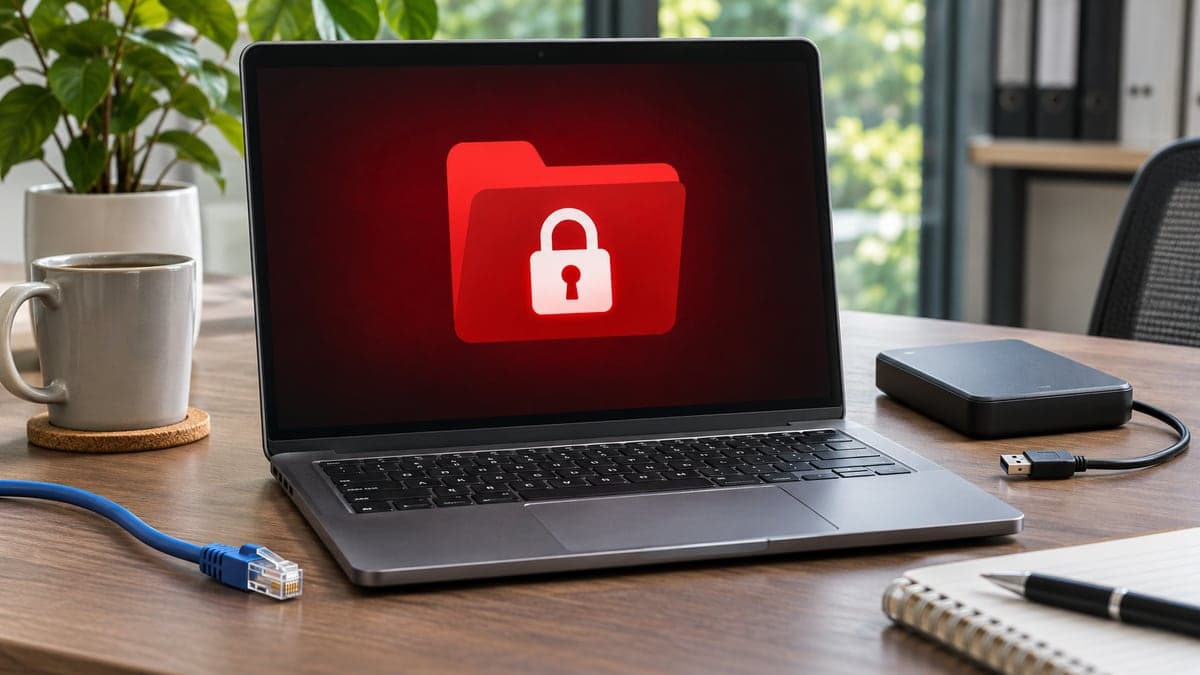
What is ransomware? It is malicious software that locks your files or systems, usually by encrypting them, and then demands payment to unlock them. Many gangs also steal data first and threaten to publish it. If you're hit, disconnect affected devices, call for expert help, report it, and recover from clean backups.
This guide is for individuals and small businesses. If you are in the middle of an attack right now, skip to the first-hour steps below.
What is ransomware and how does it get in?
Attackers usually get in through ordinary weaknesses rather than clever tricks:
- Phishing emails with malicious attachments or links to fake login pages. Our guide to spotting AI phishing covers the warning signs.
- Stolen or guessed passwords, especially for remote access services that aren't protected by multi-factor sign-in.
- Unpatched software, such as VPN appliances, firewalls and servers facing the internet.
- Compromised suppliers or IT providers with access to your systems.
Once inside, attackers often spend time exploring, stealing data and trying to delete or encrypt backups before they launch the visible part of the attack. Our report on the new wave of cyber attacks explains how these groups operate.
The signs are usually unmistakable: files with strange extensions that won't open, a ransom note on screen or in every folder, and sometimes systems that won't start at all.
The first hour: step by step
Stay calm and work through this list. Speed matters, but rushed decisions can destroy evidence or spread the damage.
- Disconnect affected devices from the network. Unplug the network cable and turn off Wi-Fi and Bluetooth. If several machines are affected, consider disconnecting your whole network from the internet.
- Don't switch everything off yet, unless your IT provider tells you to. Memory can contain useful evidence. Isolation is the priority.
- Don't contact the attackers or click links in the ransom note. Leave negotiation decisions to experts and your leadership.
- Record what you see. Photograph the ransom note and any error messages with a phone, and note the time you first noticed the problem.
- Call for help. Contact your IT provider or an incident response company. If you have cyber insurance, call the insurer's incident line early, because policies often require it and may provide responders.
- Protect your backups. Disconnect backup drives and check that cloud backup accounts haven't been tampered with. Change the passwords to backup and admin accounts from a clean device.
- Use a separate channel to communicate. Assume email and chat on the affected network may be watched. Use phones or personal accounts until experts say otherwise.
- Start a log. Write down every action, who took it and when. You will need it for police, regulators and insurers.
The worst time to plan for ransomware is during an attack. Write the first-hour list down today, print it, and keep the phone numbers off the network.
Who to call and how to report it
- Your IT or incident response provider, first, to contain the attack.
- Your insurer, if you have cyber cover.
- The police. In the UK, report to Action Fraud (England, Wales and Northern Ireland) or Police Scotland on 101. Organisations facing a significant incident can also report to the NCSC through its website. In the US, report to the FBI's Internet Crime Complaint Center at ic3.gov.
- Your data protection regulator, if personal data may be affected. UK organisations must report a personal data breach to the ICO within 72 hours of becoming aware of it, unless it is unlikely to pose a risk to people. EU countries have similar rules under the GDPR.
- Your bank, if payment systems or banking credentials may be involved.
- Customers and staff, once you know what happened and what they should do. Take advice on the wording.
Reporting matters even if you think nothing can be done. It helps law enforcement link attacks, and investigators sometimes hold decryption keys from earlier operations.
Restoring from backups
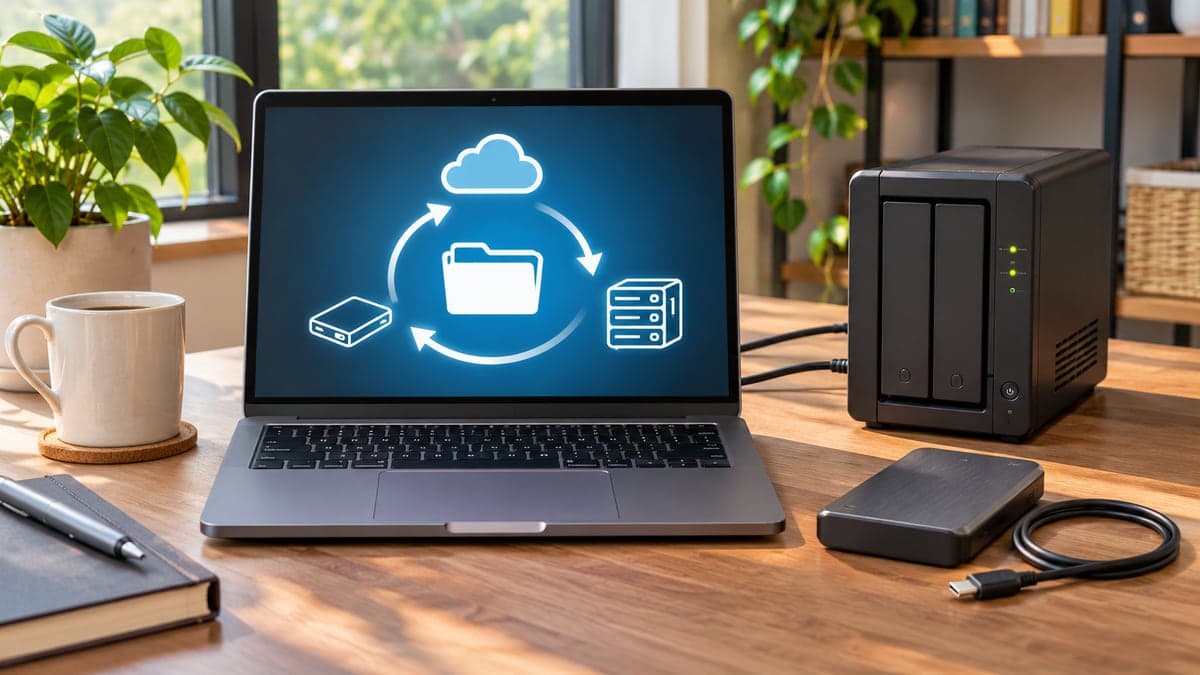
Recovery is where preparation pays off. Our guide on how to back up business data explains the 3-2-1 rule and why at least one copy must be offline or immutable.
- Find the entry point first. If you restore before closing the hole, attackers can simply come back.
- Wipe and rebuild infected devices rather than trying to clean them, following your IT provider's advice.
- Check your backups are clean. Restore to a separate, isolated system first and confirm the files open and contain no malware.
- Restore in priority order, starting with the systems the business can't run without.
- Reset passwords for all accounts after rebuilding, and turn on multi-factor sign-in everywhere you can.
- Look for free decryptors. The No More Ransom project, run by Europol and partners, publishes decryption tools for some ransomware strains. Use it only with expert guidance.
Should you pay the ransom?
The official advice is clear. The UK's NCSC says it and UK law enforcement do not encourage, endorse or condone paying ransoms, and the FBI also advises against payment. Their reasons:
- There is no guarantee that you will get a working decryption key or all your data back.
- Stolen data may still be leaked or sold, whatever the criminals promise.
- You may be targeted again, because you have shown you will pay.
- You fund further crime.
- It may be illegal. The NCSC warns that a payment may not be lawful if it goes to a sanctioned person, group or country. In the US, the Treasury's sanctions office has issued a similar warning. Rules on ransom payments are also changing in some countries.
If any organisation is considering payment, it should take legal advice first, involve law enforcement and read the NCSC's guidance for organisations considering payment.
Ransomware readiness checklist
- Offline or immutable backups, tested with a real restore.
- Multi-factor sign-in on email, remote access and admin accounts.
- Software and devices updated promptly, especially anything facing the internet.
- A printed first-hour plan with phone numbers for IT, insurer and police.
- Staff know how to report a suspicious email or a strange screen immediately.
- A decision, made in advance and with advice, on who is authorised to make decisions during an incident.