Do you need a VPN? For most people at home, it is a nice extra rather than a must-have. A VPN encrypts your internet traffic between your device and the VPN company's server, which helps on networks you don't trust. It won't stop scams or malware, and it doesn't make you anonymous.
This guide explains what a VPN changes, when it is worth using, how to choose one, and why a business VPN is a different tool altogether.
What a VPN does
VPN stands for virtual private network. When you switch one on, your device builds an encrypted tunnel to a server run by the VPN provider. Your traffic goes through that tunnel, and the server forwards it to the websites and apps you use.
That has three main effects:
- The local network can't see what you do. Whoever runs the café Wi-Fi, hotel network or shared office sees only encrypted traffic going to the VPN server.
- Your internet provider sees less. It can see that you are connected to a VPN, but not which sites you visit through it.
- Websites see the VPN's IP address, not yours, so they get a rough location based on the VPN server rather than your home.
What a VPN doesn't do
VPN adverts often overpromise. A VPN does not:
- Make you anonymous. If you sign in to Google, Facebook or a shop, they know it is you. Cookies and browser fingerprinting still work.
- Stop phishing or fake websites. If you type your password into a fake page, the VPN delivers it safely to the scammer. Our guide on how to tell if a website is safe covers that problem.
- Remove malware or protect a device that is missing security updates.
- Make your data invisible. The VPN provider can see which servers you connect to, so you are moving your trust from your network and internet provider to the VPN company.
A VPN changes who can see your traffic. It doesn't change whether the site at the other end is trustworthy.
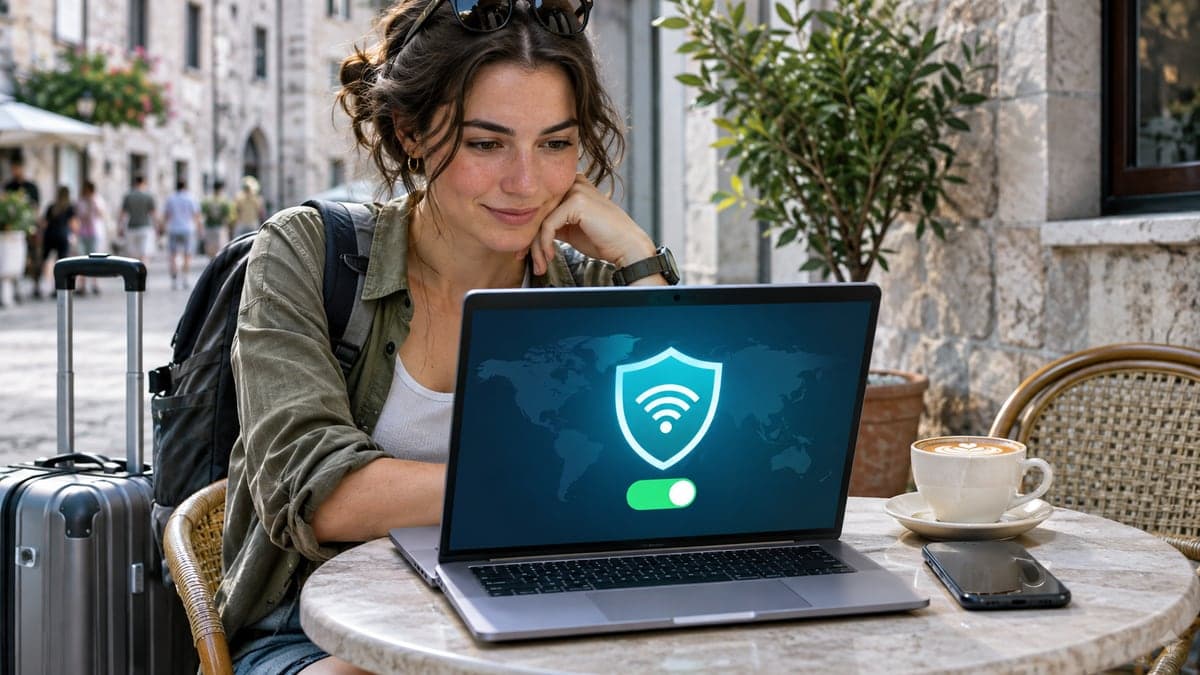
Do you need a VPN on public Wi-Fi?
Public Wi-Fi used to be genuinely risky, because many sites sent data unencrypted. Today most websites and apps use HTTPS, so your passwords and card details are already encrypted between your device and the site, even on an open network.
A VPN still adds value on networks you don't control:
- It hides which sites and services you use from the network operator.
- It protects apps or older services that may not encrypt everything properly.
- It makes some network-level tricks, such as tampering with unencrypted traffic, much harder.
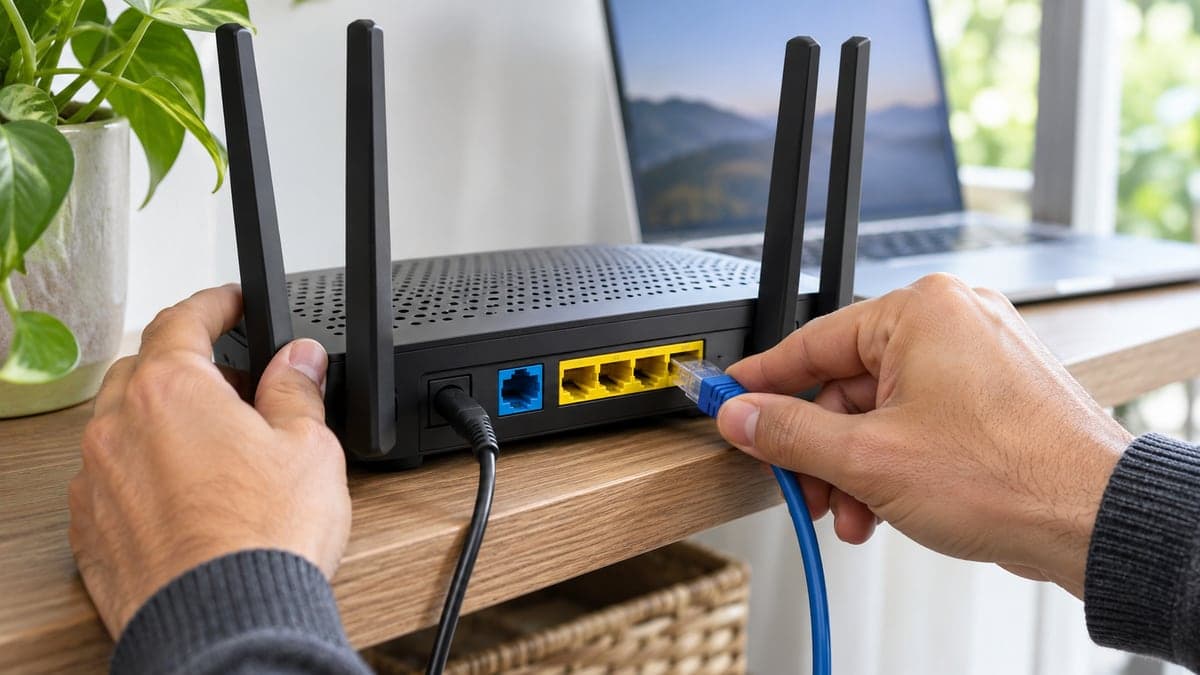
Before you connect, check you have the right network name, because criminals can set up hotspots with convincing names. If you're handling anything sensitive, using your phone's mobile data or its personal hotspot is a simple alternative. At home, a well-configured router does more for you; see how to secure your router.
When a consumer VPN makes sense
- You often work from cafés, hotels, trains or airports.
- You want to keep your browsing private from your internet provider.
- You travel and want a secure connection to familiar services. Check local law first, because some countries restrict VPN use.
- You want to limit how much websites can learn about your location.
If none of these apply, you may not need one at all.
How to choose a VPN, step by step
- Pick an established, reputable provider. Look for a long track record and a company that clearly states who it is and where it is based.
- Read the privacy policy. Look for a clear no-logs commitment, and check whether it has been tested by an independent audit.
- Be wary of free VPNs. Running servers costs money. Some free services make it back through ads or data collection. A free tier from a well-known paid provider is the safer choice.
- Check for a kill switch. This blocks your internet connection if the VPN drops, so traffic doesn't leak outside the tunnel.
- Look for modern protocols such as WireGuard, IKEv2/IPsec or OpenVPN.
- Install the official app from the provider's website or your device's app store, and keep it updated. Android explains the built-in options on its VPN help page.
- Test it. Check that websites load at a usable speed and that the kill switch works when you disconnect.
Business VPN vs consumer VPN
The same three letters describe two different tools.
- A consumer VPN protects one person's traffic on the way to the open internet, through a provider's servers.
- A business VPN gives staff a secure connection into the company's own network and systems, such as file servers and internal apps. It is set up and managed by the company or its IT provider.
The UK NCSC's VPN guidance for organisations focuses on choosing, configuring and maintaining these systems. Points every small business should get right:
- Patch VPN appliances quickly. Internet-facing VPN gateways are a favourite target for attackers, as our report on the new wave of cyber attacks shows.
- Require multi-factor sign-in for every VPN account.
- Remove access promptly when staff or contractors leave.
- Consider alternatives. Many cloud services can be reached securely without a VPN, and some businesses are moving to "zero trust" access tools that check each user and device for each app.
Quick checklist
- You know what you want a VPN for, and whether you need one.
- You chose a reputable provider with an audited no-logs policy.
- The kill switch is on and the app is up to date.
- You still check websites carefully before logging in.
- At work, the VPN is patched, protected with multi-factor sign-in and reviewed regularly.