Asking "is this website safe?" before you log in or pay is one of the best habits you can build. The short answer is that the padlock alone won't tell you. Check the exact web address, look for signs of a real business, and pay in a way that protects you if something goes wrong.
This guide covers fake shops, phishing pages that copy real logins, and the quick checks that catch most of them.
What HTTPS and the padlock really mean
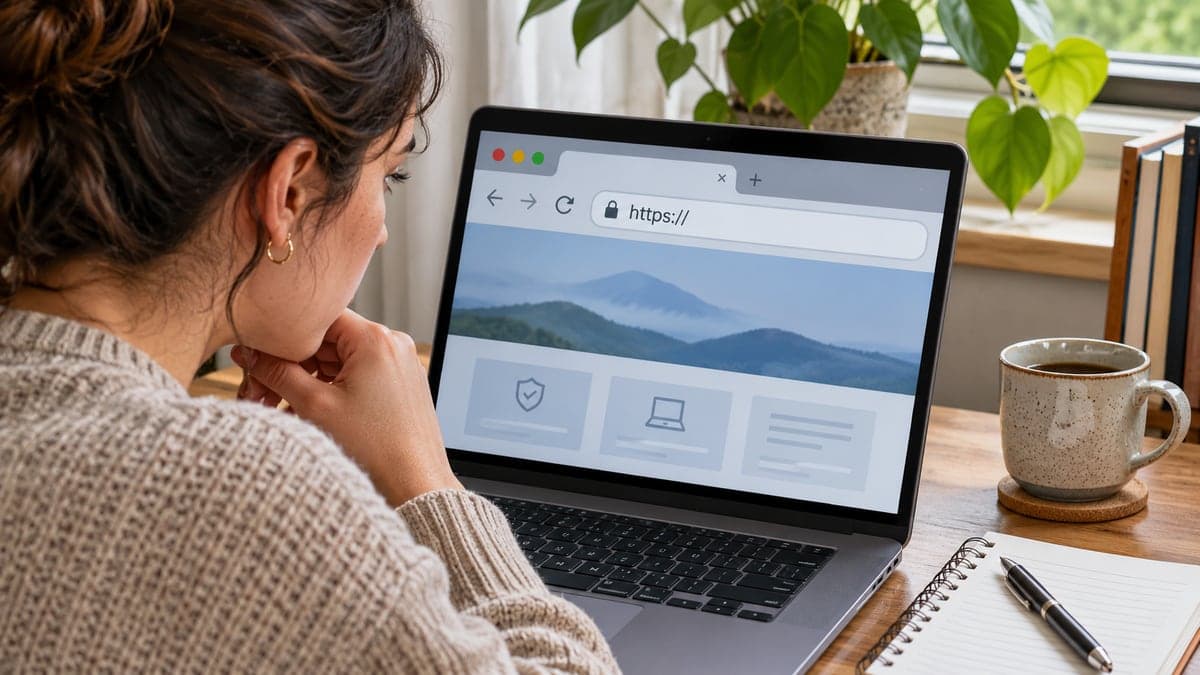
When a web address starts with https and your browser shows a padlock or a similar icon, your connection to that site is encrypted. Someone on the same Wi-Fi network can't read the passwords or card numbers you send.
That is useful, but it is all it means. HTTPS doesn't check who runs the site or whether they are honest. Certificates are free and automatic, so scam sites use them too. A fake shop or a fake bank login can show exactly the same padlock as the real one.
- No padlock? Don't type passwords or payment details. Modern browsers often warn you that the site is "not secure".
- Padlock present? Good, but keep checking. It is the minimum, not a seal of approval.
The padlock tells you the line is private. It doesn't tell you who is on the other end.
Is this website safe? Seven checks
- Read the domain name slowly. Look at the part just before the first single slash. In a link such as shop.example.com.deals-online.net, the real domain is deals-online.net, not example.com.
- Watch for lookalikes. Scammers swap letters (rn for m, 0 for o, l for I), add words such as "secure", "login", "official" or "outlet", use hyphens, or change the ending, for example .shop or .co instead of .com. Some use characters from other alphabets that look identical.
- Arrive the safe way. For banks, email and other accounts, type the address yourself or use a bookmark or the official app instead of clicking links in emails, texts or ads.
- Look for a real business. A genuine shop lists a physical address, a phone number, clear delivery and returns terms and, in the UK, often a company registration number. Missing or vague details are a warning.
- Search independently. Search the shop's name with words like "reviews" or "scam", and read reviews on sites the shop doesn't control. A brand-new site with no history and huge discounts deserves extra caution.
- Use a reputation check. Google's Safe Browsing site status tool shows whether Google currently flags a site as dangerous. A clean result isn't a guarantee, because new scam sites appear constantly, but a warning is a clear stop sign.
- Notice the pressure. Countdown timers, "only two left", prices far below everyone else and requests to pay in unusual ways are classic tactics to rush you.
Checking a shop before you pay
Fake online shops often advertise on social media with prices that seem too good to be true. Before you buy from a shop you don't know:
- Compare the price with well-known retailers. A huge discount on a popular product is the most common lure.
- Check how you're asked to pay. Be very wary of bank transfers, gift cards or cryptocurrency. Legitimate retailers offer card payments.
- Pay with protection. A credit card or a payment service with buyer protection gives you a way to dispute the charge. In the UK, credit card purchases between £100 and £30,000 are also covered by Section 75 of the Consumer Credit Act.
- Don't create an account unless you have to, and never reuse a password from another site.
- Keep records: the order confirmation, the web address and screenshots of the product page.
The UK NCSC's guide to shopping and paying safely online covers these steps in more detail.
Spotting fake login pages
Phishing pages copy the login screens of banks, email providers, delivery firms and cloud services. They often arrive by email or text with an urgent message about a locked account or a missed parcel. Our guide to spotting AI phishing and deepfake scams explains why these messages now look so convincing.
- Check the address bar before you type a password, every time.
- Let your password manager help. If it doesn't offer to fill in your saved login, the site may not be the one you think it is.
- Use passkeys where you can. A passkey only works on the real website it was created for, so it can't be handed to a fake one. See how to set up passkeys.
If you think you've been caught
- Call your bank or card provider immediately, using the number on the back of your card, and ask about stopping or disputing the payment.
- Change the password you entered, and any account where you used the same one.
- Watch your statements for unfamiliar payments.
- Report the site. In the UK you can report a scam website to the NCSC, and report fraud to Action Fraud. In the US, the FBI accepts reports at ic3.gov.
Quick checklist
- The domain is spelled exactly right, with no extra words or odd endings.
- You arrived by typing the address, a bookmark or the official app.
- The site has real contact details and a clear returns policy.
- Independent reviews look genuine and the site has some history.
- You are paying by credit card or with buyer protection.
- You stopped whenever you felt rushed.